
Window
The Window object is your base UI container. It hosts tabs, groupboxes and mostly everything else driven by the library.
Window
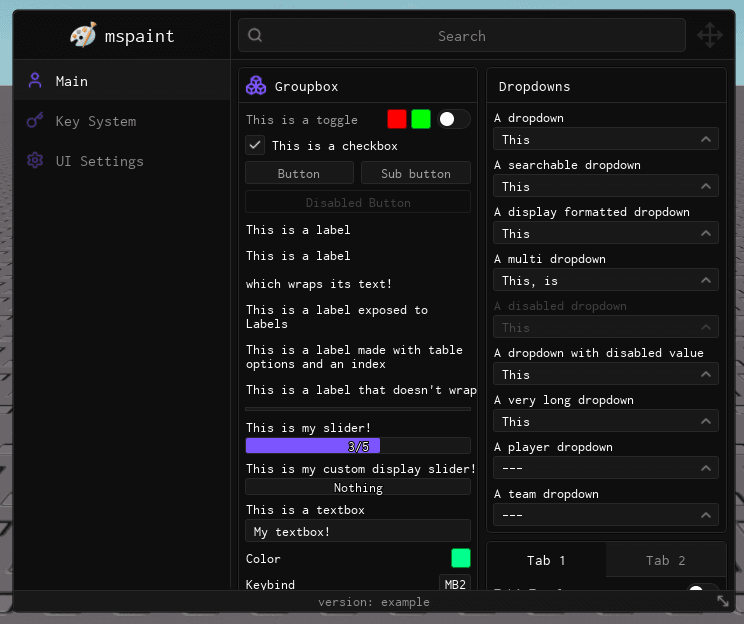
The Window object is your base UI container. It hosts tabs, groupboxes and mostly everything else driven by the library. The next step to using the library is to create a tab inside the window.
Usage
Create a window with Library:CreateWindow() and override any defaults you need:
local Window = Library:CreateWindow({
    Title = "mspaint",
    Footer = "version: example",
    Icon = 95816097006870,
    NotifySide = "Right",
})
Prop
Type
ChangeTitle
Changes the title of the window.
Window:ChangeTitle("New Title")| Arg Idx | Argument Description | Type | Default |
|---|---|---|---|
| 1 | The new title of the window | string | nil |
SetFooter
Changes the footer of the window.
Window:SetFooter("New Footer")| Arg Idx | Argument Description | Type | Default |
|---|---|---|---|
| 1 | The new footer of the window | string | nil |
SetBackgroundImage
Changes the background image of the window.
Window:SetBackgroundImage("rbxasset://textures/ui/GuiImagePlaceholder.png")| Arg Idx | Argument Description | Type | Default |
|---|---|---|---|
| 1 | The new background image of the window | string/ID | nil |
SetCornerRadius
Changes the corner radius for elements.
Window:SetCornerRadius(10)| Arg Idx | Argument Description | Type | Default |
|---|---|---|---|
| 1 | The new corner radius | number | nil |
Toggle
Toggles the visibility of the window.
Window:Toggle()| Arg Idx | Argument Description | Type | Default |
|---|---|---|---|
| 1 | Force a specific visibility state | boolean? | nil |
ShowTabInfo
Displays the current tab's name and description in the header area (next to the searchbar).
Window:ShowTabInfo("Settings", "Configure your preferences")| Arg Idx | Argument Description | Type | Default |
|---|---|---|---|
| 1 | Tab name to display | string | nil |
| 2 | Tab description to display | string | nil |
HideTabInfo
Hides the tab info display and restores the searchbar to full width.
Window:HideTabInfo()Sidebar Layout & Resizing
Obsidian can expose a draggable handle that lets players resize the sidebar at runtime. Enable it and tweak the behaviour directly from your window configuration:
local Window = Library:CreateWindow({
    Title = "mspaint",
    EnableSidebarResize = true,

    -- Optional Sidebar Settings
    MinSidebarWidth = 200, -- stop shrinking when the sidebar hits 200px
    SidebarCompactWidth = 56,
})
Sidebar Methods
All window instances expose helpers for responding to layout changes or driving your own resizing logic.
GetSidebarWidth
Returns the current sidebar width in pixels.
local CurrentWidth = Window:GetSidebarWidth()IsSidebarCompacted
Checks if the sidebar is currently in compact (icon-only) mode.
if Window:IsSidebarCompacted() then
    print("Sidebar is collapsed")
end
SetSidebarWidth
Programmatically resize the sidebar. Values outside the configured bounds are clamped automatically.
Window:SetSidebarWidth(240)| Arg Idx | Argument Description | Type | Default |
|---|---|---|---|
| 1 | Desired sidebar width in pixels | number | nil (required) |
SetCompact
Toggle compact mode explicitly. Pass true to force compact, or false to restore the last expanded width.
Window:SetCompact(true)| Arg Idx | Argument Description | Type | Default |
|---|---|---|---|
| 1 | Whether the sidebar should stay compacted | boolean | — |
Animations
Obsidian has customizable, opt-in animations. You can enable them directly when creating the window:
local Window = Library:CreateWindow({
    Title = "mspaint",

    -- Enable animations
    Animations = {
        ToggleWindow = true,
        TabSwitch = true,
        Groupbox = true,
        Dropdown = true,
        KeyPicker = true
    },

    -- Customise Tab switching animation
    TabTransitionTime = 0.22,
    TabSwipeOffset = 26,
    TabSwipeFrom = "bottom"
})
Preview
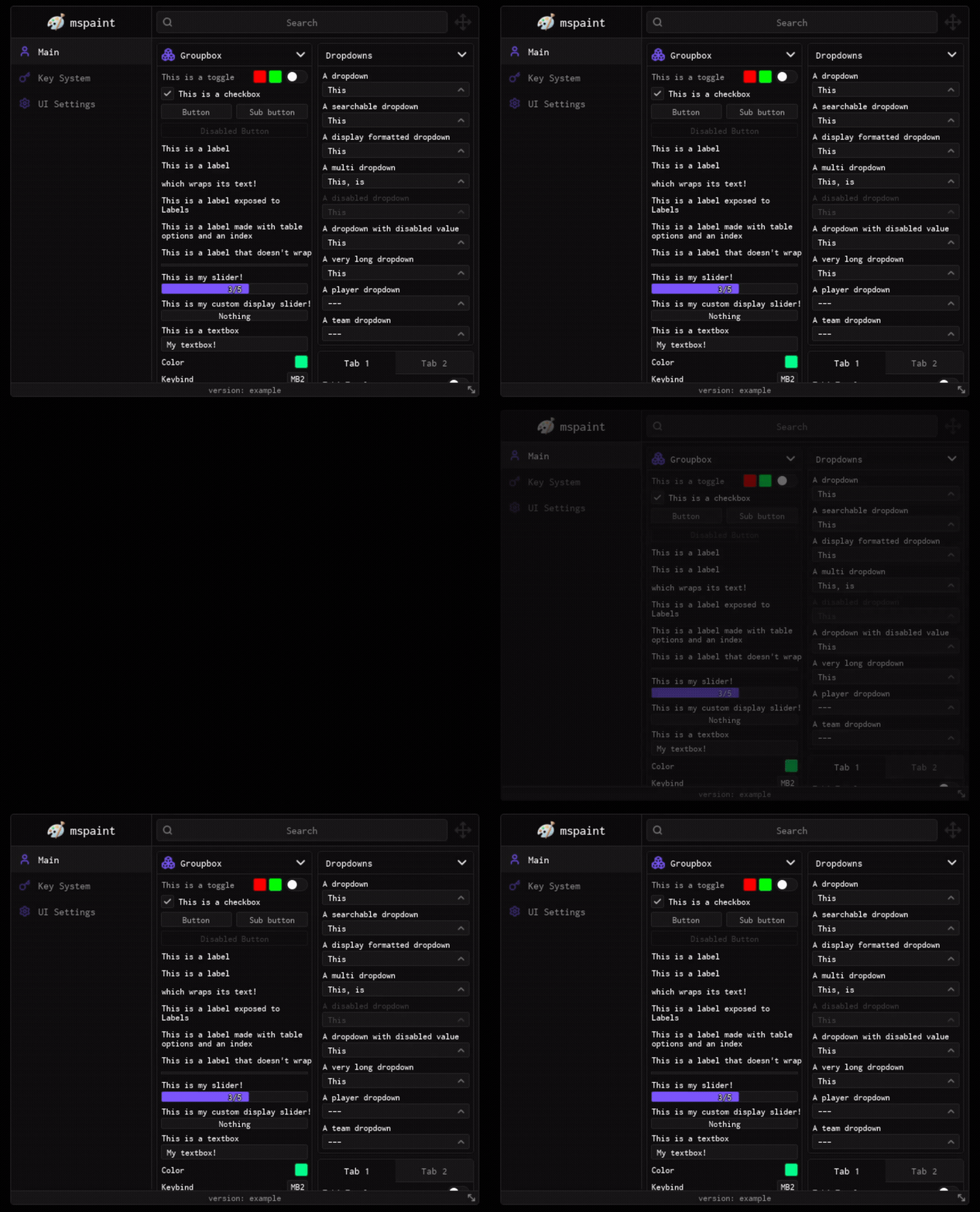
Animation when opening or closing the UI window.
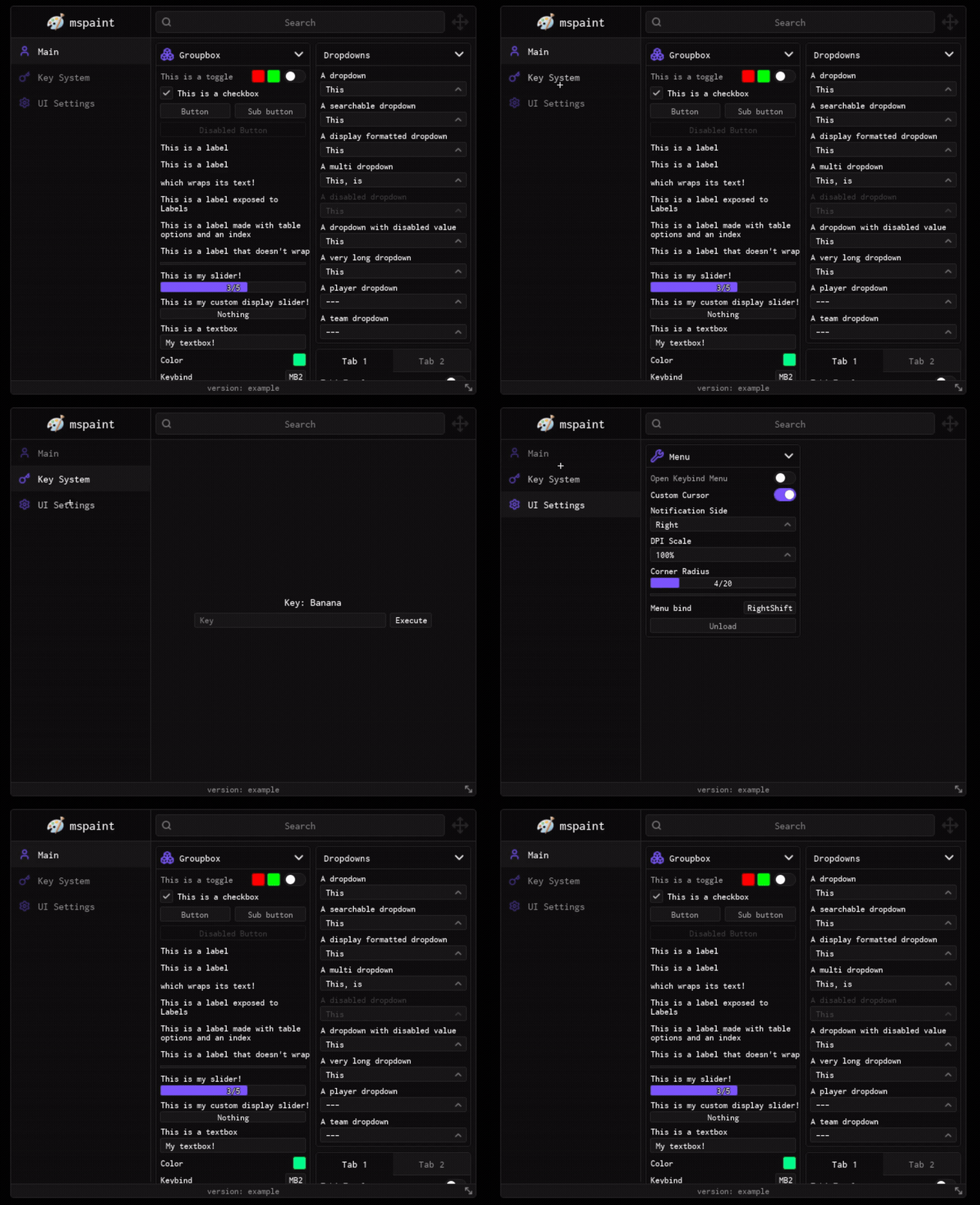
Transition effect when switching between different tabs (from bottom).
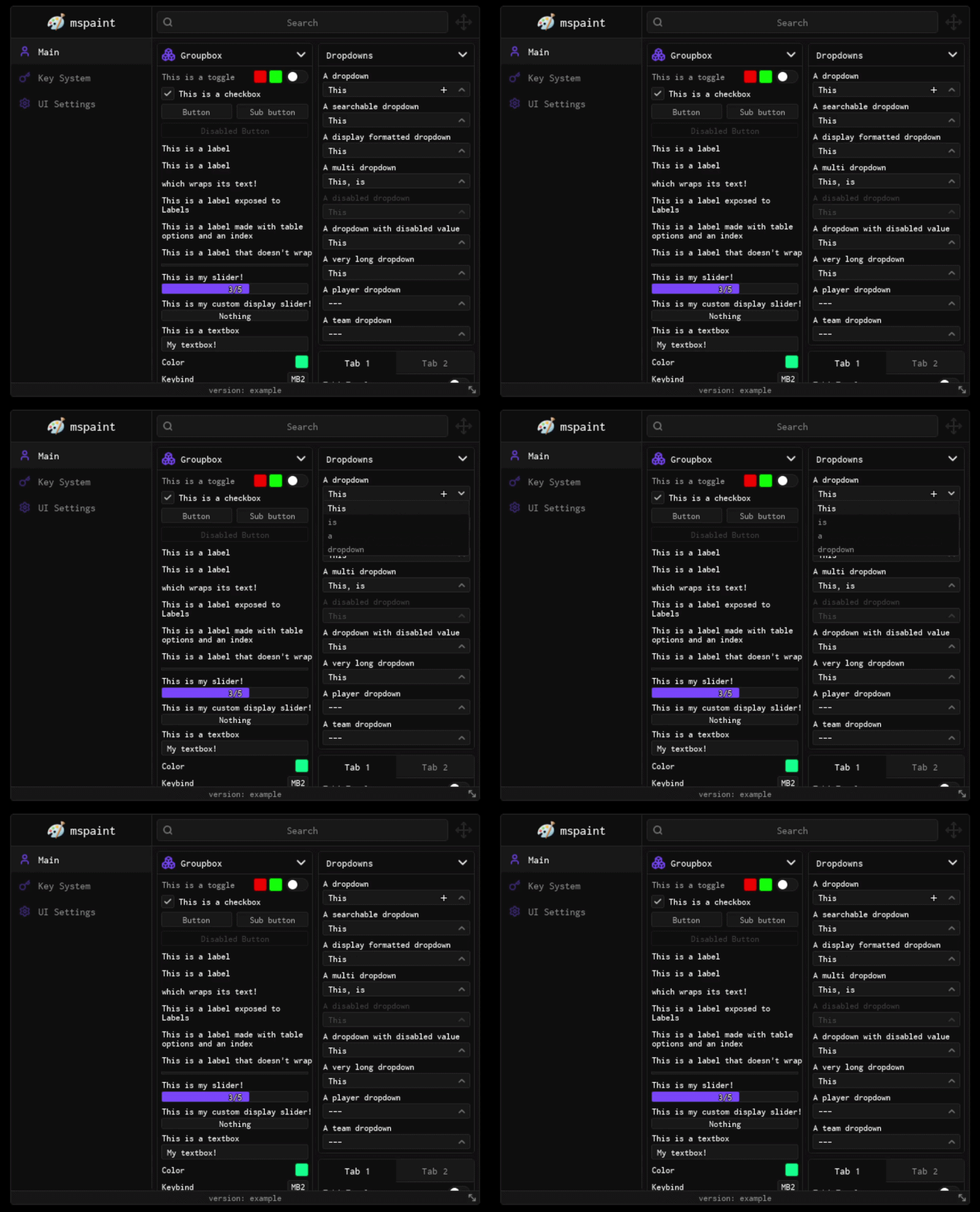
Animation when expanding or collapsing Dropdowns.
Animation when expanding or collapsing Groupboxes.
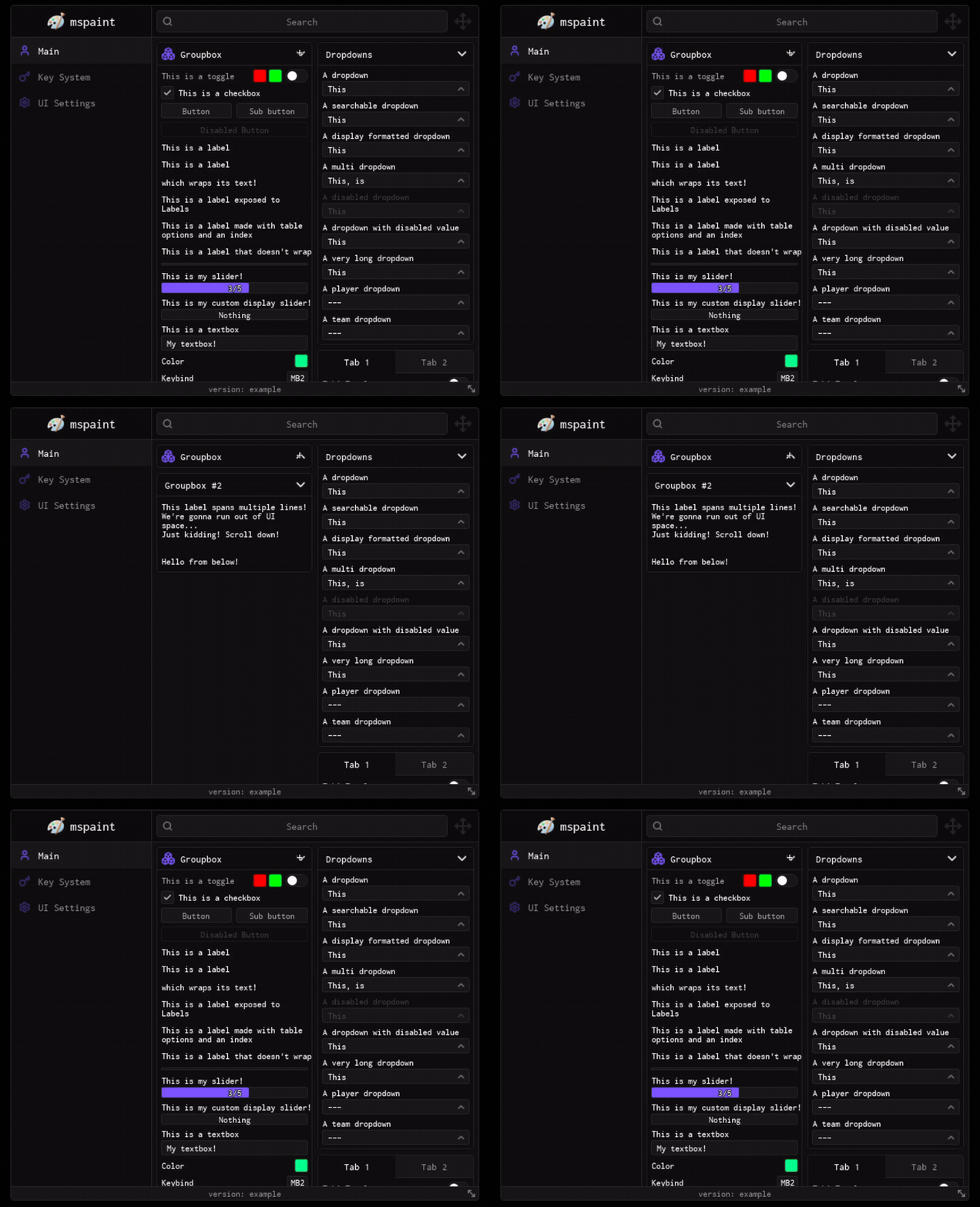
Animation when interacting with KeyPickers.
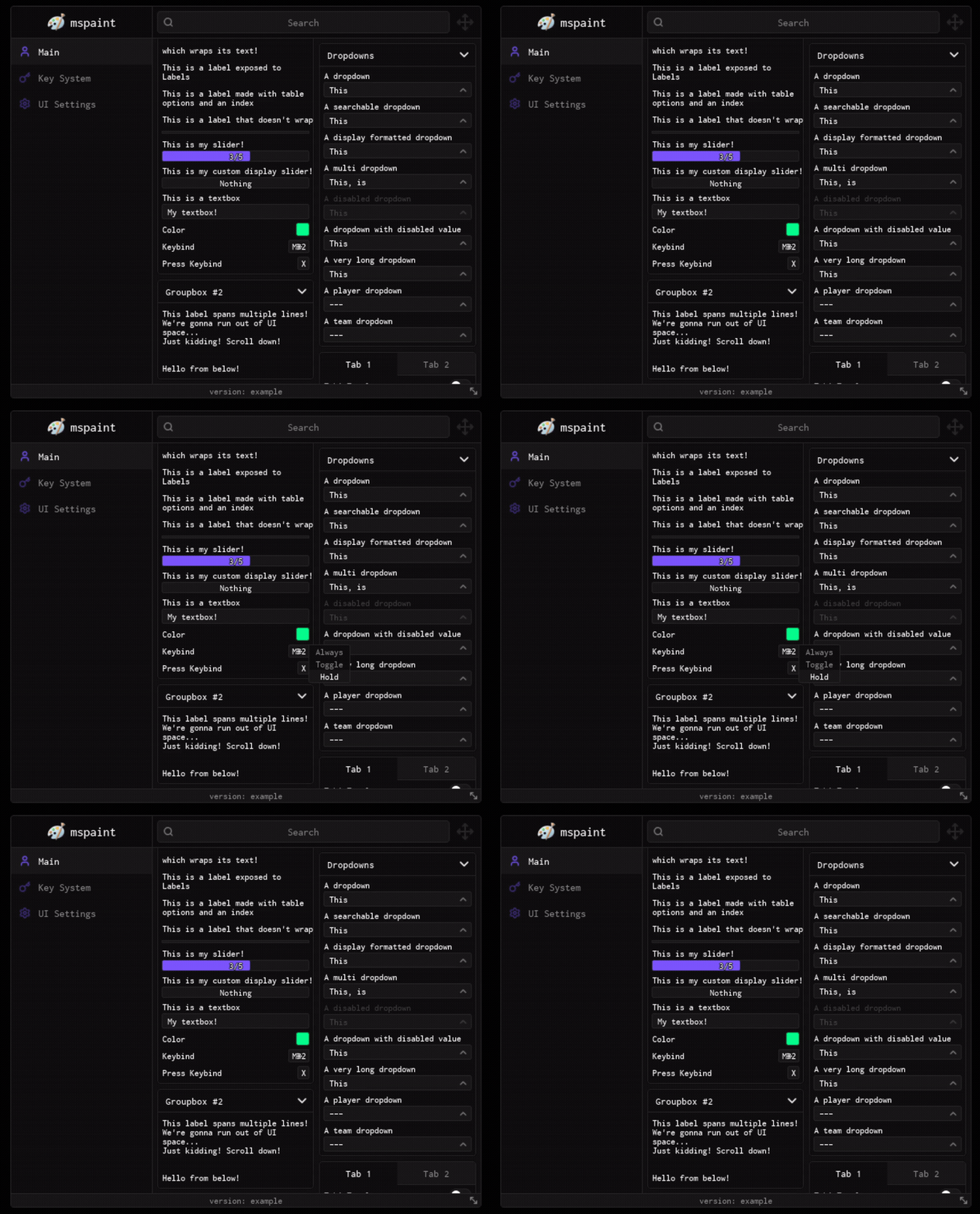
SetAnimations
Updates animation configuration.
Window:SetAnimations({ ToggleWindow = true, TabSwitch = true, Groupbox = true, Dropdown = true, KeyPicker = true }, 0.22, 26, "bottom")| Arg Idx | Argument Description | Type | Default |
|---|---|---|---|
| 1 | The animations configuration table | table? | nil |
| 2 | Tab transition duration (seconds) | number? | nil |
| 3 | Tab swipe transition offset (pixels) | number? | nil |
| 4 | Tab swipe direction ("left" | "right" | "top" | "bottom") | string? | nil |